The team app
Run your studio from your phone.
The elastudio team app puts the front desk in your pocket. Open today’s classes, check people in, sell a pass and answer a private session request, from an iPhone, an iPad or an Android phone.


Free with every plan. Sign in with the same login you use on the web.
Everything you do at the desk, in your hand
What owners and staff can do in the app today.
Today
The day’s classes, bookings, waitlists and what needs a look, as soon as you open the app.
Check-in
Open a class and tick people in or mark a no-show with one tap. Add a member, or a walk-in, on the spot.
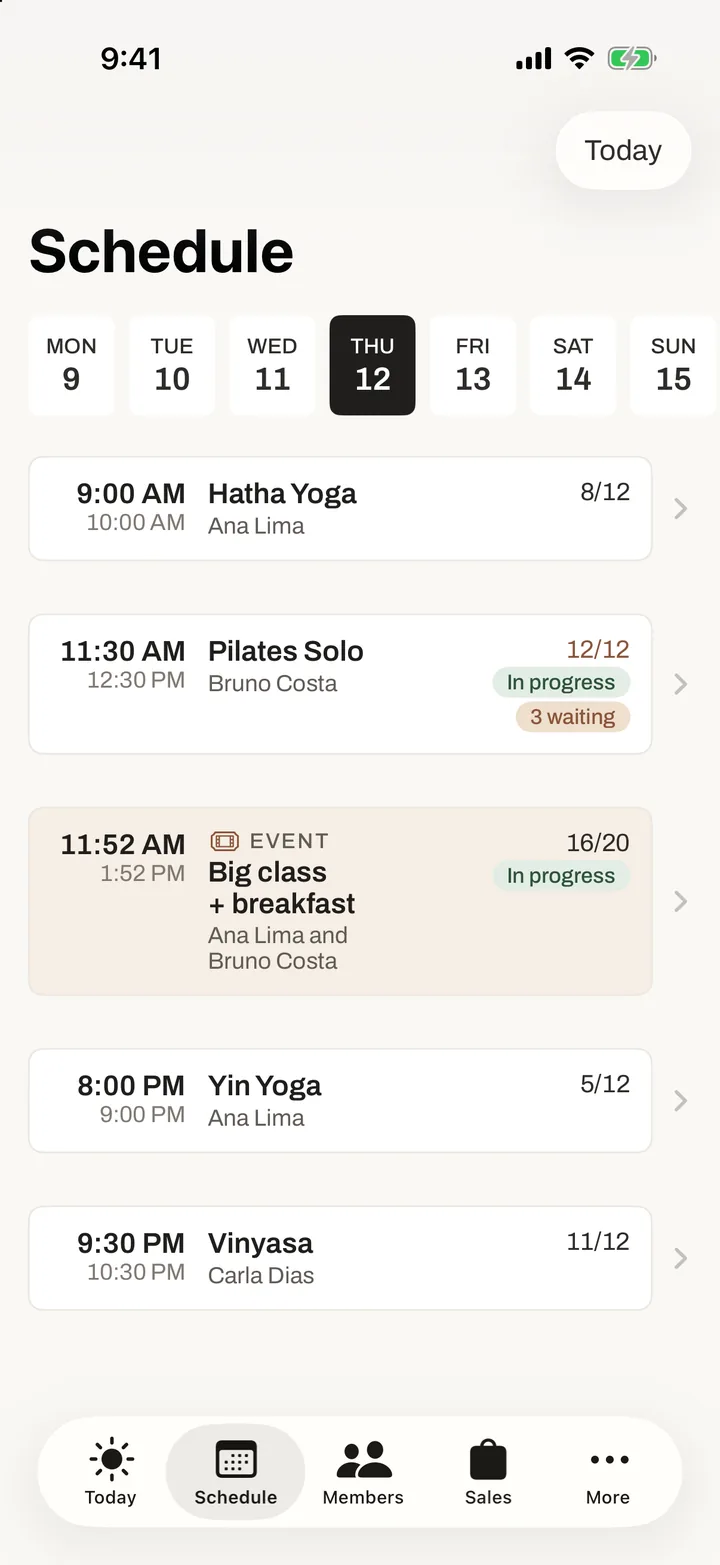
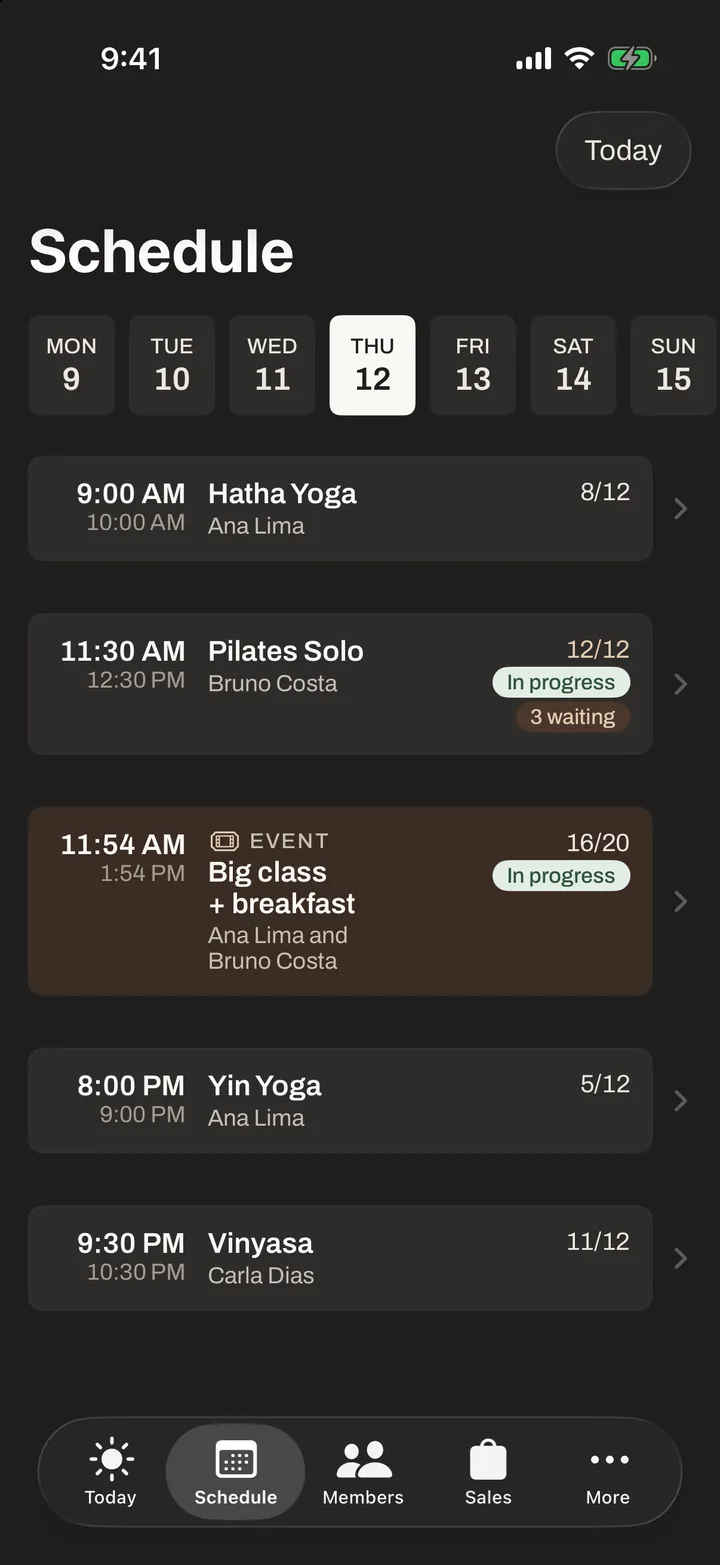
Schedule
A week view of every class, with how many spots are taken.
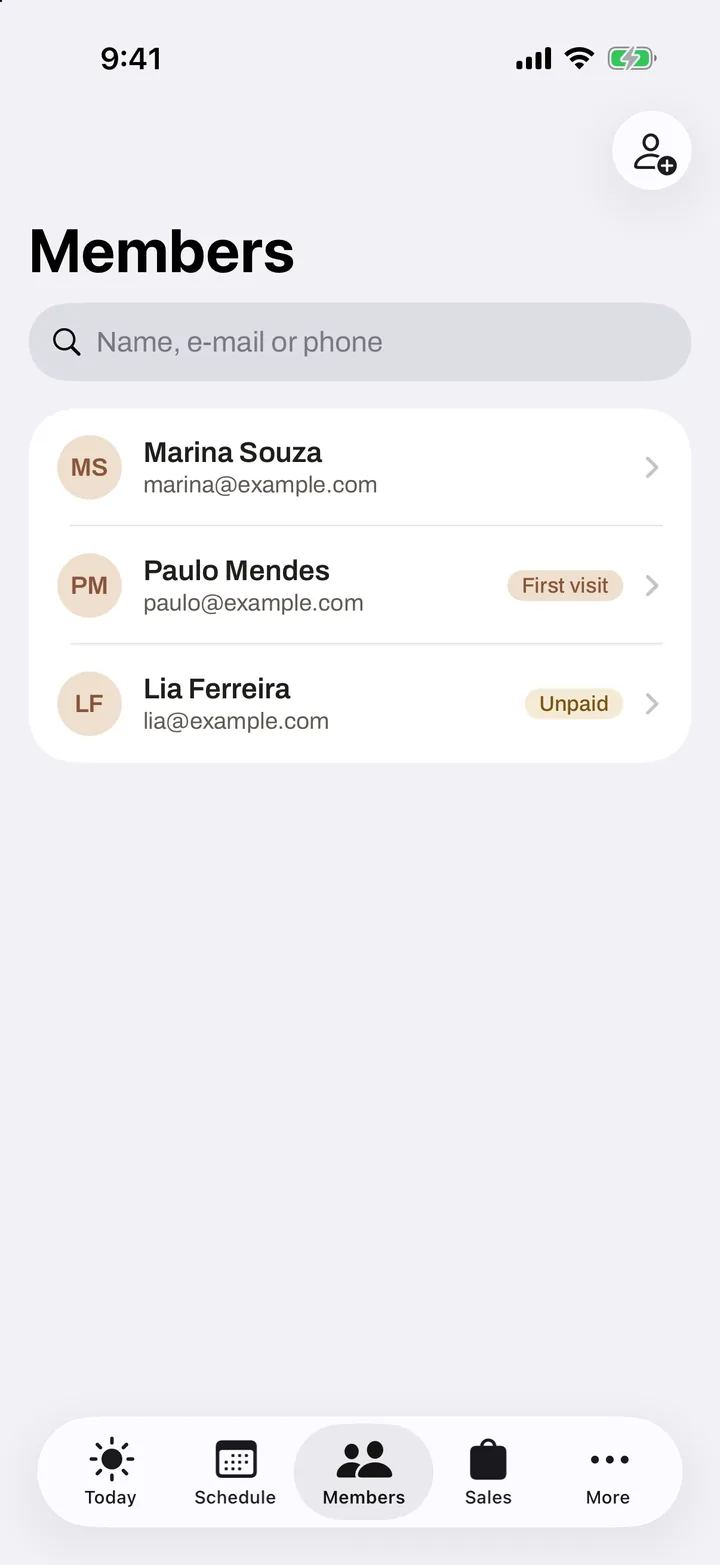
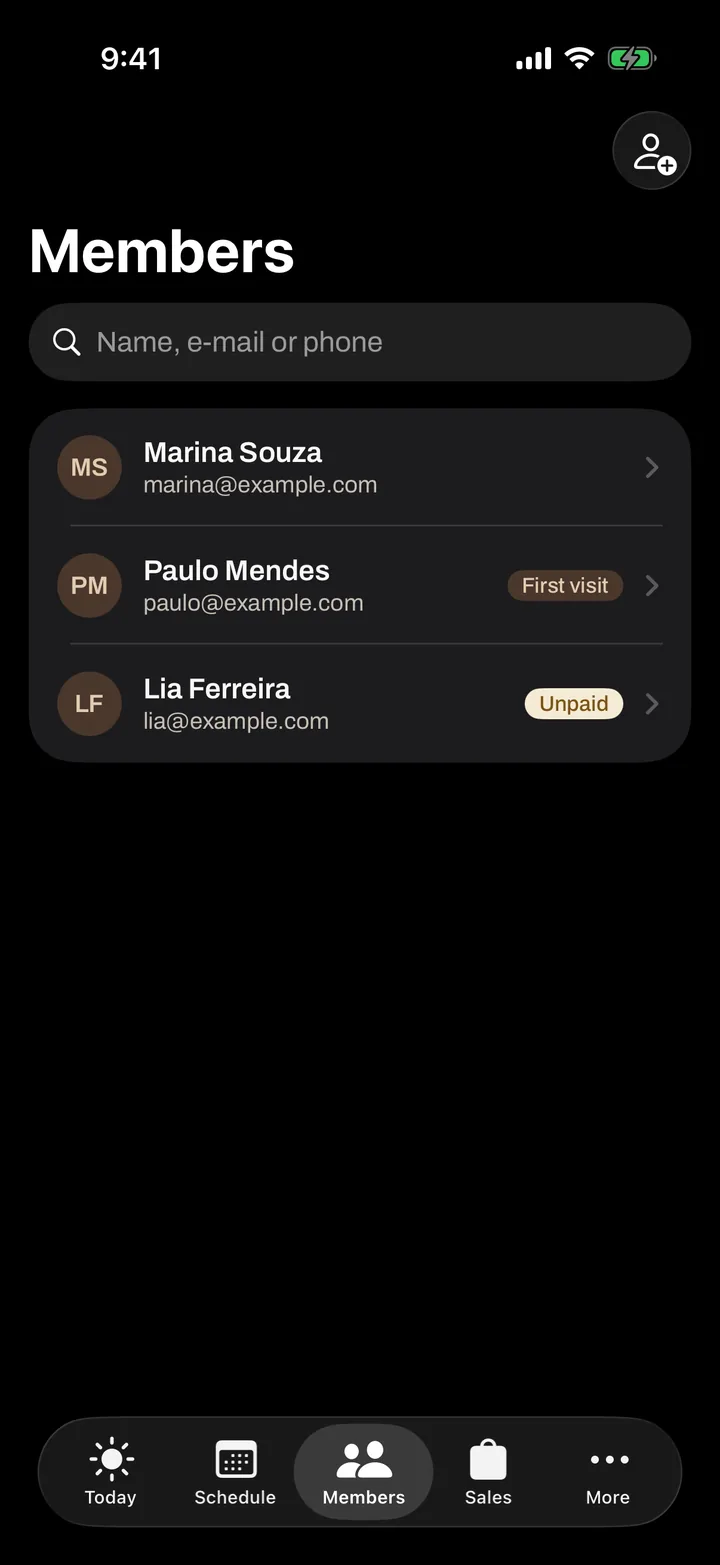
Members and passes
Search for a member, see their passes and history, and call, e-mail or message them from their profile.
Sales at the front desk
Sell a pass and record how it was paid: cash, card machine, bank transfer or complimentary.
Private sessions
See who asked for a private session, then approve or decline it.
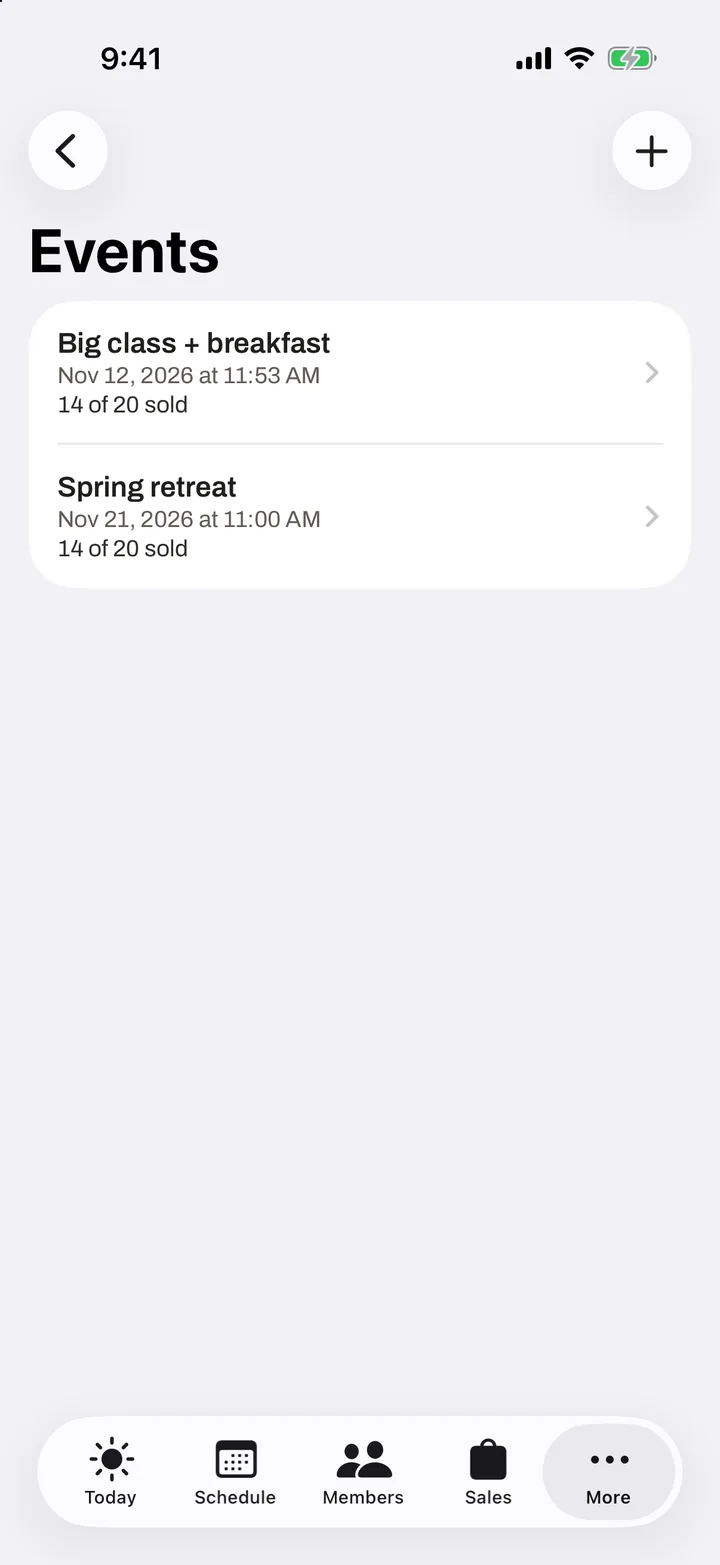
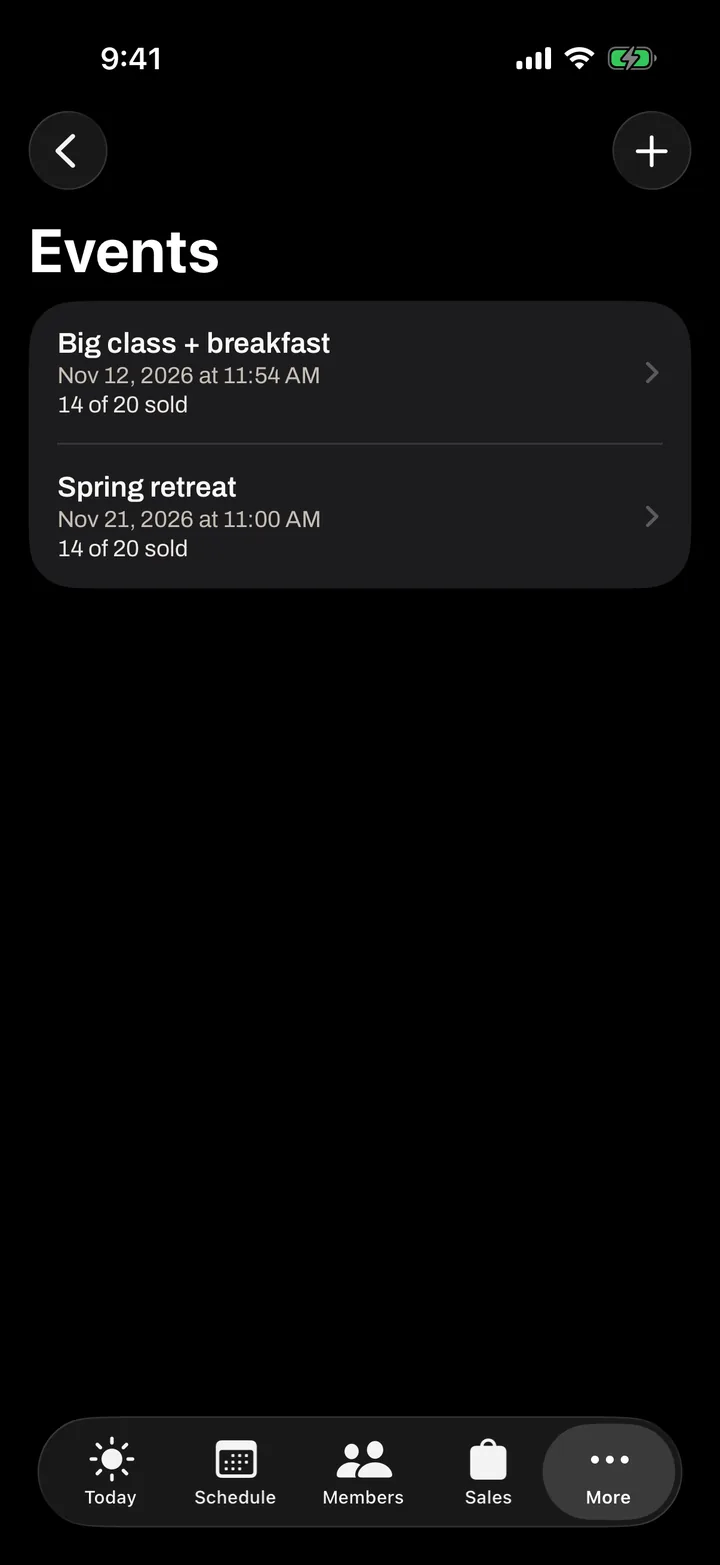
Events and door tickets
See how many tickets are sold and check people in at the door.
Activity log
See who changed what, and when, in your studio.
Reports
Run the ready-made reports and the ones you saved.
Notifications
A nudge for new bookings, people moving off a waitlist and private session requests.
Safe on a shared phone
Sign in with an e-mail code, a password or Google, then unlock with Face ID on iPhone and iPad, or with your fingerprint, face or screen lock on Android. Each person sees only what their role allows.
iPhone, iPad and Android
The app runs on iPhone and iPad (App Store) and on Android phones and tablets (Google Play). The screens are in English and Brazilian Portuguese, and the pictures here show the English version. Your members still see your booking pages in their own language.
Get it going in three steps
- 1
Create your studio
Open a free account on the web. It takes a few minutes.
- 2
Download the app
Install it from the App Store or Google Play.
- 3
Sign in
Use the same login as on the web. Teammates sign in with their own login on the plans that include staff logins, from Starter up.
Free with every plan
The team app is included in every plan, Free too. There is nothing extra to buy and no separate account to manage.
Your schedule, online this week.
Start on Free with your own brand. Move up when your classes fill.